 Ethena Wallet
Your desktop setup.
Step by step.
From choosing your desktop version to finding your way around.
Choose your version, follow the steps and get familiar with the wallet.
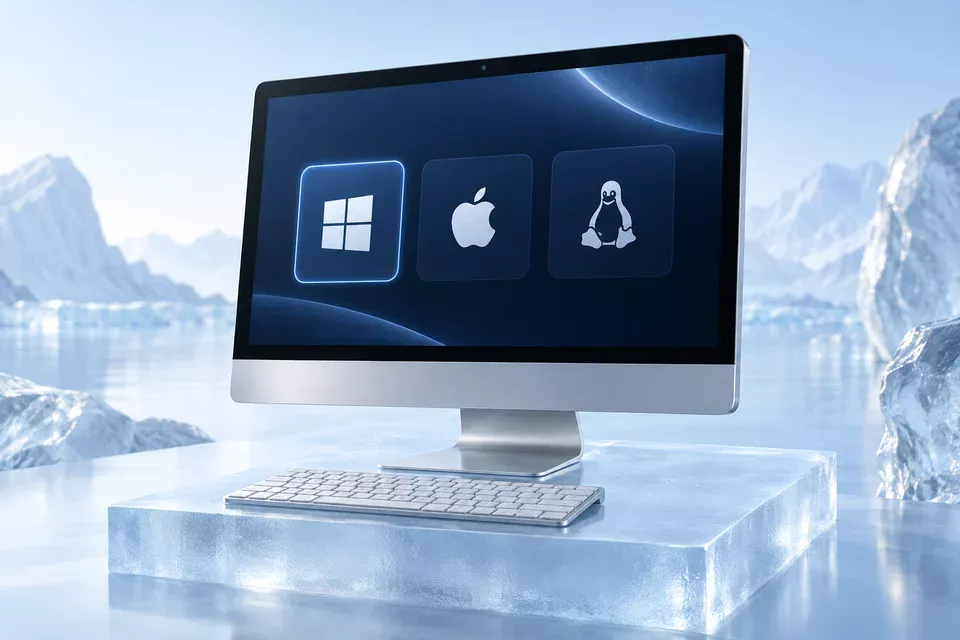
The right version.
For your computer.
The page detects Windows, macOS or Linux and selects a desktop version for you. You can switch platforms at any time.
- 1
Match your operating system
Choose the computer you will install on, even if you are browsing on a phone.
- 2
Check the release details
Read the version and any published system and processor requirements before downloading.
Your desktop wallet.
One download away.
Select Download for Windows, macOS or Linux. Your chosen platform stays visible beside the download button.
- 1
Choose your version
Use the platform selector to switch to the computer you want to download for.
- 2
Find your file
When a download is available, follow its progress in your browser’s download list.
From your downloads.
To your desktop.
Once the download finishes, open the file from your browser’s download list or your computer’s Downloads folder.
- 1
Wait for the complete file
Let the download finish before opening the installer.
- 2
Follow the on-screen steps
The setup steps depend on the release and your operating system. Use the instructions displayed by the installer.
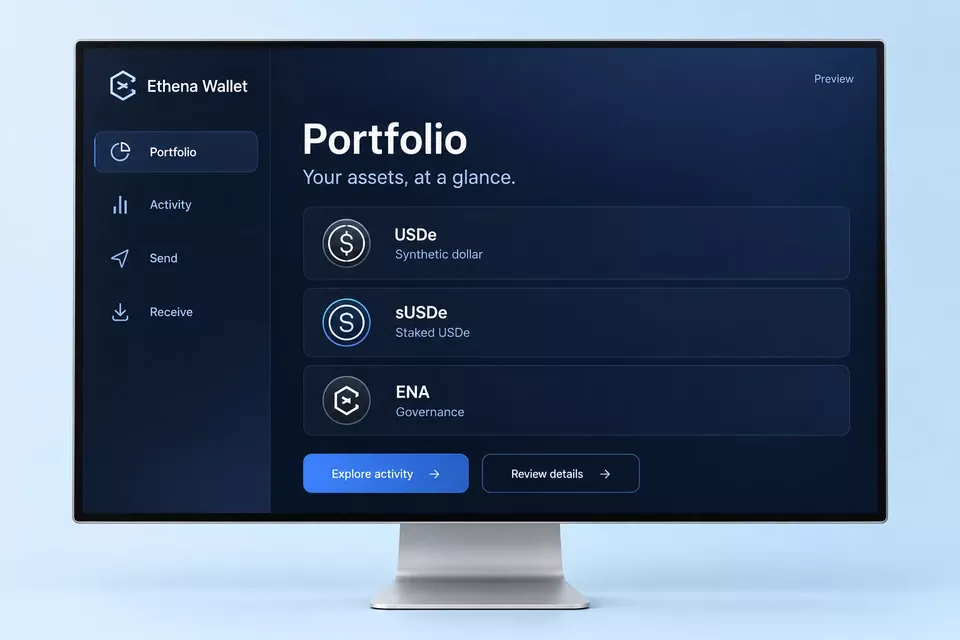
Make yourself
at home.
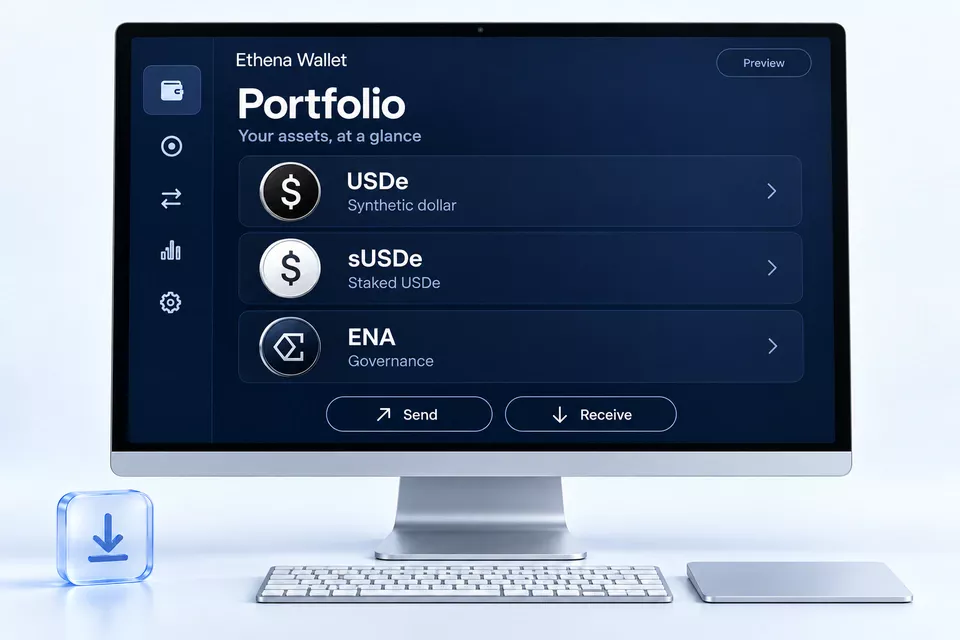
Explore the website’s interactive preview to see where assets, activity and transaction details belong.
- 1
Start with the portfolio
Understand the different roles of USDe, sUSDe and ENA.
- 2
Learn the review flow
Find the recipient, network, amount and permissions before considering a transaction.
A small pause.
A simple check.
Find the next step without starting over.
The download does not start
Check the message below the download button and your browser’s download list. If the selected version is unavailable, you can explore the wallet preview in the meantime.
I am using a phone or tablet
These downloads are for desktop computers. Open the site on Windows, macOS or Linux to choose the matching version. You can explore the website preview on your phone.
How do I choose another platform?
Select Windows, macOS or Linux in the download panel. The button updates to match your selection, so you can choose a version for another computer.
I cannot find the downloaded file
Open your browser’s download list and use its option to locate the completed file. Check the Downloads folder on your computer before downloading again.
Do I need recovery information to download?
No recovery information is needed to download software or explore this website. Do not enter a recovery phrase or private key into a download form.
Choose your desktop.
Choose a platform below.
Keep this guide close by.
EthenaWallet-Setup-2.1.6-x64.exe